



Pattern reference
Pattern reference
Pattern Reference Page - All CMS Layout Patterns
Purpose: Visual QA reference showcasing all 7 markdown layout patterns Created: 2025-01-14 For: Content administrators and developers Status: Test page - Not for public display
Pattern A: Simple Text Section (Presentation)
This pattern is used for introductory content, centered text with optional CTA button.
Welcome to our Pattern Library
This reference page demonstrates all available layout patterns in the CMS. Each pattern below shows the markdown syntax and rendered output. Use this page to verify styling consistency and as a quick reference when migrating content.
Pattern B: Image + Text Block (Bloctextephoto)
This pattern creates side-by-side layouts with images and text. Images automatically alternate left/right.
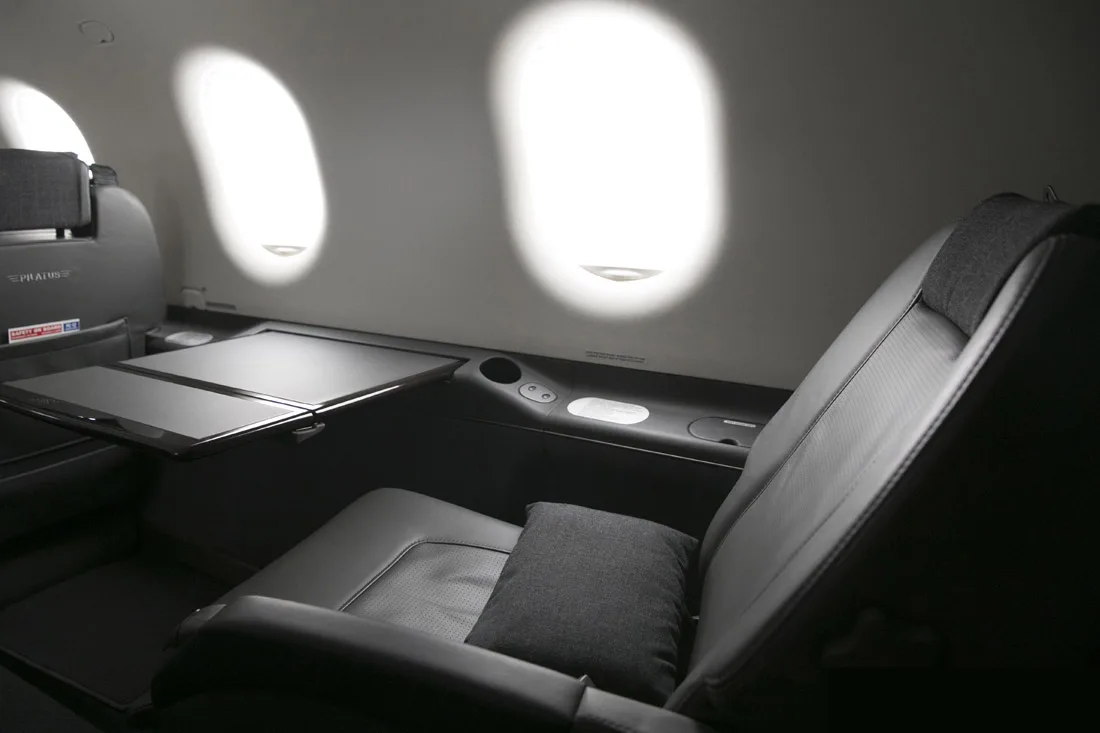
Image Left, Text Right
This is the first bloctextephoto section. The image appears on the left, and the text content appears on the right. This layout is perfect for feature descriptions, service highlights, and detailed explanations with supporting visuals.
The content can include multiple paragraphs, lists, and even links. The layout automatically adjusts to mobile devices by stacking vertically.
Text Left, Image Right
This is the second bloctextephoto section. Due to CSS nth-child selectors, this section automatically alternates - the text appears on the left, and the image appears on the right. You don't need to manually change the HTML structure; just repeat the same pattern.
This automatic alternation creates a visually appealing rhythm as users scroll down the page. It's particularly effective for pages with multiple features or benefits to showcase.
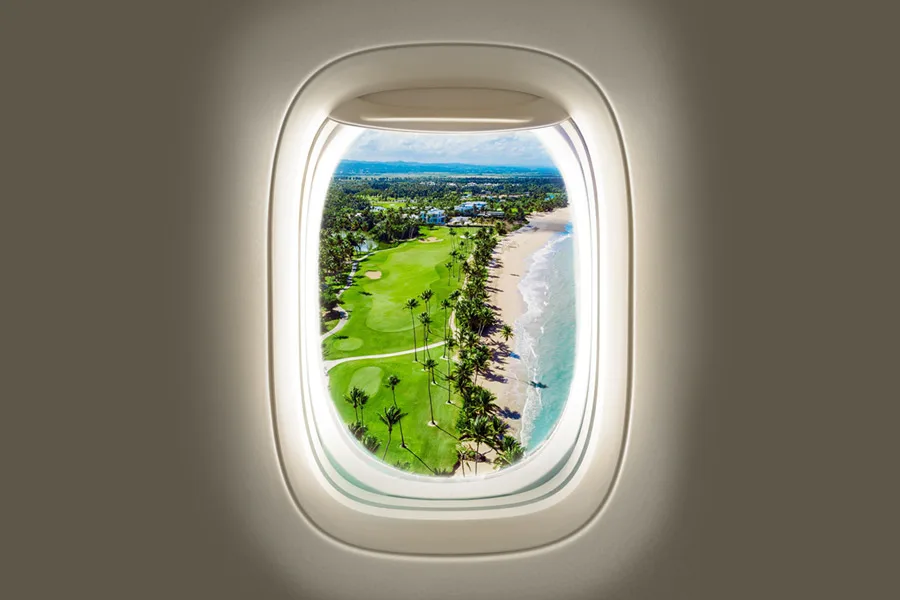
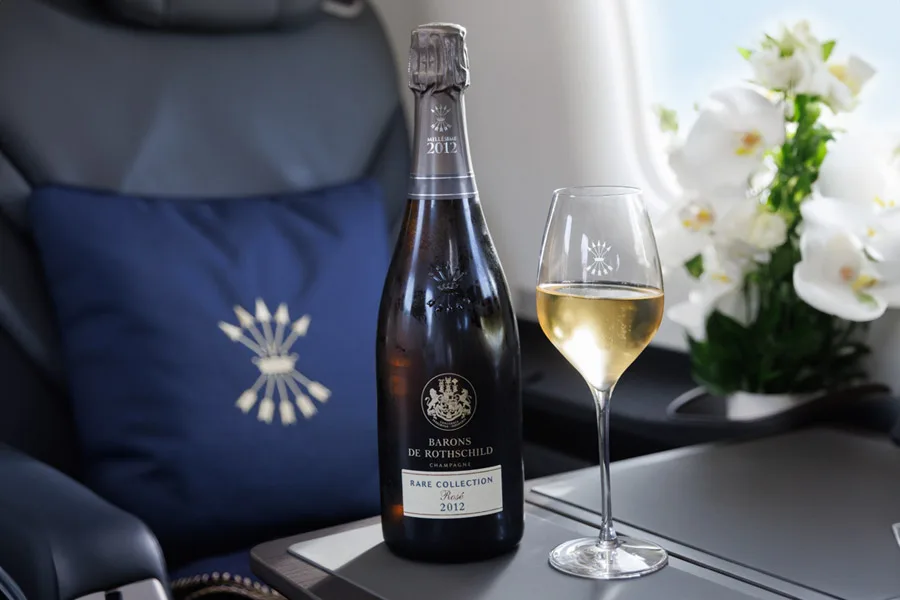
Third Section - Auto-Alternates Back
The third section automatically returns to image-left layout. This continues indefinitely - each consecutive bloctextephoto section will alternate its layout direction without any manual intervention.
This pattern is the workhorse of content pages. Use it for any content that benefits from visual support: product features, service descriptions, team bios, case studies, and more.
Pattern C: Grid of Cards (Places/Pilots)
This pattern creates responsive grids that adapt from 4 columns on desktop to 1 column on mobile.
Featured Destinations
Saint Martin
Experience the vibrant culture and stunning beaches of this beautiful Caribbean island.
Anguilla
Discover pristine white sand beaches and crystal-clear turquoise waters.
Puerto Rico
Explore historic old San Juan and enjoy world-class dining and entertainment.
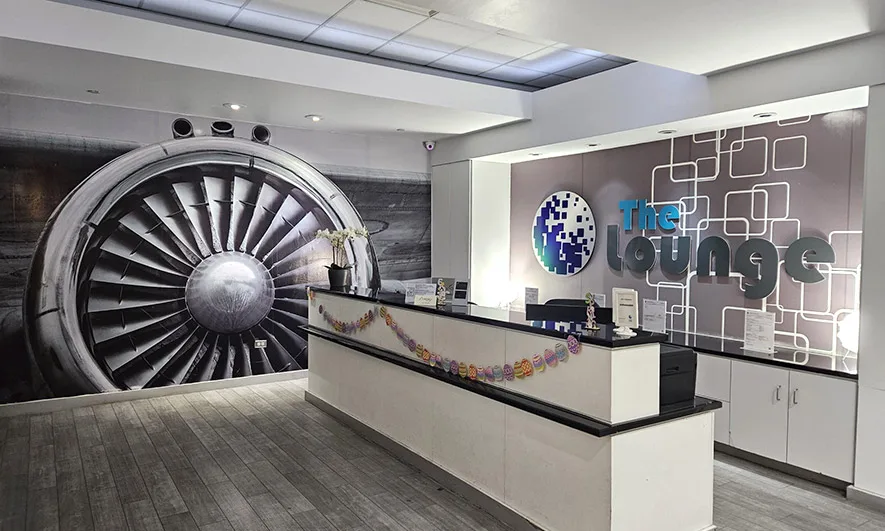
Virgin Islands
Sail through paradise with countless islands to explore and adventures to discover.
Bahamas
Experience luxury resorts, world-famous beaches, and exceptional diving opportunities.
Turks & Caicos
Enjoy some of the world's best beaches and exceptional water sports opportunities.
Pattern D: Accordion (Expandable Sections)
This pattern creates expandable/collapsible sections using Alpine.js for interactivity.
Frequently Asked Questions
Our service combines luxury, expertise, and reliability in ways that set us apart from competitors. We focus on personalized experiences, maintain the highest safety standards, and operate with unmatched flexibility to meet your exact needs.
Every detail is carefully curated to ensure your journey is not just transportation, but an experience you'll remember and want to repeat.
Booking with us is simple and straightforward. You can book online through our website, call our dedicated reservations team, or send us an email with your travel requirements.
Our team is available 24/7 to assist with your booking and answer any questions. We'll work with you to customize your flight experience and ensure everything is perfectly arranged before your departure.
All our flights include complimentary premium services: business class seating with full recline, fine snacking and beverages including champagne on longer flights, VIP lounge access where available, and personalized in-flight service.
Additional amenities can be arranged upon request, including special meals, ground transportation, and concierge services at your destination.
Pattern F: Experience (Side-by-Side Feature)
This pattern creates a fixed 50/50 split layout, perfect for highlighting specific features or testimonials.
An Exclusive Experience
Flying with us is more than transportation - it's an unforgettable journey you'll want to share. From our first-class staff to personalized touches throughout your trip, we ensure every moment exceeds your expectations.
Experience the difference that attention to detail makes. From booking to arrival, we handle every aspect with care and precision.
Button Styles Reference
The CMS supports three main button styles via markdown attribute extension:
Outline Button (.o_b)
Primary style for call-to-action links. Transparent background with brand-colored border.
Solid Button (.btn-first)
Secondary style with solid background fill. Use for primary actions.
Block CTA Button (.btp__cta--btn)
Full-width button within bloctextephoto content blocks. Use for contextual calls-to-action.
Inline Text Formatting
This section demonstrates inline markdown formatting options:
- Bold text using
**text**syntax - Italic text using
*text*syntax - Regular links: Link to homepage
- Links with classes: Button link
List Examples
Unordered List
- First item with regular text
- Second item with bold text
- Third item with a link
- Fourth item with italic emphasis
Ordered List
- Primary benefit or feature
- Secondary benefit or feature
- Tertiary benefit or feature
- Additional advantages
Usage Notes
Pattern Selection Guide
Use Pattern A (Presentation) for:
- Page introductions
- Section headers
- Simple announcements
- Single call-to-action moments
Use Pattern B (Bloctextephoto) for:
- Feature descriptions
- Service highlights
- Product details
- Team member profiles
- Case studies
Use Pattern C (Places/Pilots Grid) for:
- Destination listings
- Fleet showcase
- Team directory
- Service category overview
Use Pattern D (Accordion) for:
- DEPRECATED, UNUSED, DISREGARD
Use Pattern E (CTA Grid) for:
- DEPRECATED, UNUSED, DISREGARD
Use Pattern F (Experience) for:
- Feature spotlight
- Testimonials
- Key differentiators
- Brand storytelling moments
Use Pattern G (Destinations Carousel) for:
- DEPRECATED, UNUSED, DISREGARD
Responsive Behavior
All patterns are fully responsive:
- Desktop (>1024px): Full layout with side-by-side sections
- Tablet (768px-1024px): Adjusted spacing, maintained layouts
- Mobile (<768px): Stacked vertical layouts, full-width elements
Accessibility Features
All patterns include:
- Semantic HTML structure (headings, sections, landmarks)
- Descriptive alt text on all images
- Keyboard navigation support
- ARIA attributes where needed (accordion, carousel)
- Focus states on interactive elements
Performance Optimizations
All images automatically include:
loading="lazy"attribute for lazy loadingdecoding="async"for non-blocking decode- WebP format for optimal file size
- Responsive image sizing
End of Pattern Reference
This page demonstrates all available CMS patterns. Use the markdown-conventions.md documentation for detailed implementation instructions and copy-paste ready code snippets.
For questions or support, refer to:
/docs/migration/markdown-conventions.md- Complete pattern library/specs/001-website-content-migration/quickstart.md- Migration workflow/specs/001-website-content-migration/data-model.md- Database schema
Version: 1.0 Last Updated: 2025-01-14 Status: Test Page - Ready for QA